The latest Leadbox update introduces two powerful features designed to elevate the way dealerships present vehicles and manage inventory online: 360° Vehicle Image Capture and Bulk Add/Remove Vehicle Tags. These updates reflect our continued focus on delivering tools that streamline dealership workflows and create a better buying experience for customers.
 Play video: New in Leadbox: 360° Imaging and Bulk Tagging for Faster, Smarter Selling
360° Vehicle Image Feature
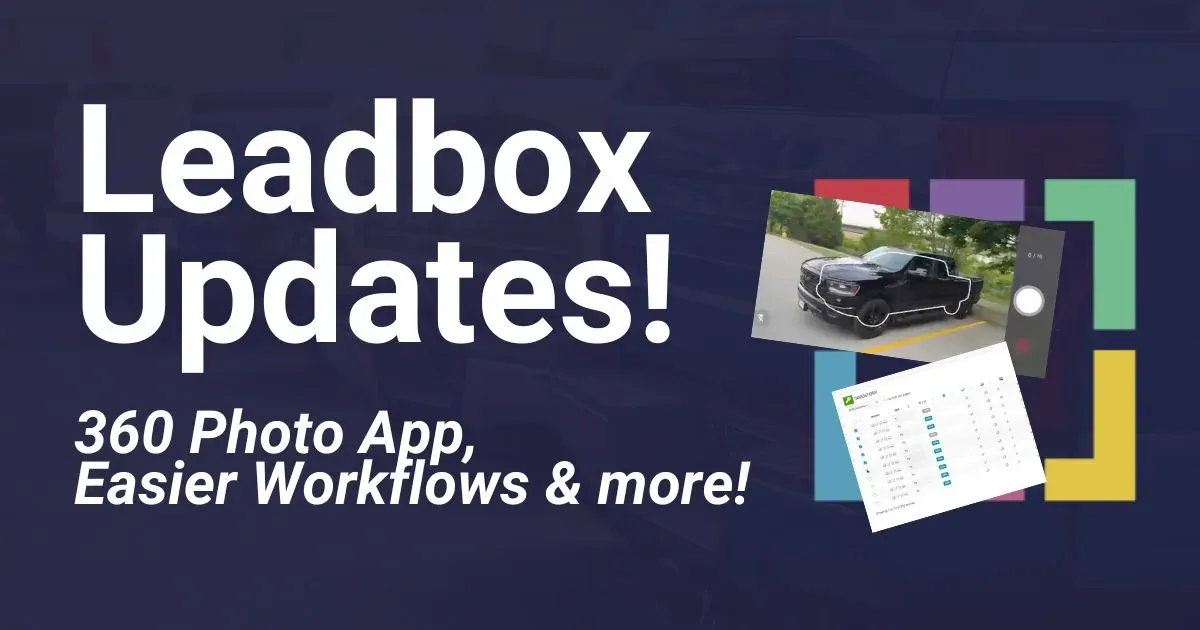
The new 360° Vehicle Image capture is now available through the Leadbox Mobile App, allowing dealerships to capture immersive, full-circle vehicle walkarounds using only a smartphone. With a built-in photo guide, the app helps capture images at predefined angles as the Dealer walks around the vehicle. Once the photos are taken, the app creates a 360-degree view of the vehicle for customers to explore on the vehicle detail page (VDP) on the dealer’s webpage.
This feature brings significant improvements to the online presentation of vehicles. It gives shoppers the ability to explore a vehicle from every angle, which helps build trust and reduces uncertainty around condition or appearance.
Key Benefits:
- Offers a more immersive browsing experience for buyers
- Helps shoppers make more informed decisions
- Requires no external integrations or tools—just the Leadbox Mobile App and the Leadbox Website
Developed on Leadbox’s most scalable architecture, the system processes and loads 360° images quickly, solving the speed and clunkiness issues common in other tools. It’s built for fast performance and ease of use.
Bulk Add/Remove Vehicle Tags
On the desktop side, Leadbox has rolled out the Bulk Add/Remove Vehicle Tags feature inside the Leadbox Inventory Management System (IMS). This new functionality is designed to simplify a repetitive and time-consuming task: tagging multiple vehicles.
Previously, tagging vehicles individually could take several seconds per unit—a process that quickly became inefficient at scale. The new bulk tagging feature enables users to apply or remove tags across dozens or hundreds of vehicles with just a few clicks.
From the inventory view, users can:
- Use checkboxes to select vehicles
- Filter inventory to narrow the list
- Apply or remove tags using a bulk action menu
- Confirm the change through a safeguard prompt before saving
This process is ideal for managing promotional campaigns, organizing inventory by model type, or updating seasonal categories.
Key Benefits:
- Saves significant time by avoiding repetitive individual edits
- Reduces tagging errors caused by manual entry
- Ideal for event prep, door crashers, or clearance sales
- Works seamlessly with search filters for precise updates
With this release, dealerships now have a much faster way to make consistent updates across their inventory without sacrificing accuracy or control.
Designed for Real Dealer Workflows
Both features were developed to meet the evolving needs of dealerships. The 360° Vehicle Images enhances how vehicles are presented to buyers, while the Bulk Tagging tool streamlines how dealers manage and maintain their inventory backend.
These tools address different parts of the sales and management process but are united by a common goal: to make dealership operations more efficient and more effective.
More Improvements Ahead
This product release is just one step in our ongoing effort to improve dealership technology in meaningful ways. As always, Leadbox is focused on delivering tools that solve real problems, save time, and elevate the retail experience for both dealers and their customers.